 Coming soon
Rapid Scribe
Turn a spoken session — a meeting, a walkthrough, a stocktake — into organised notes.
Record on your iPhone. It’s transcribed on the device, and you get a clean document you can work from.

What it does
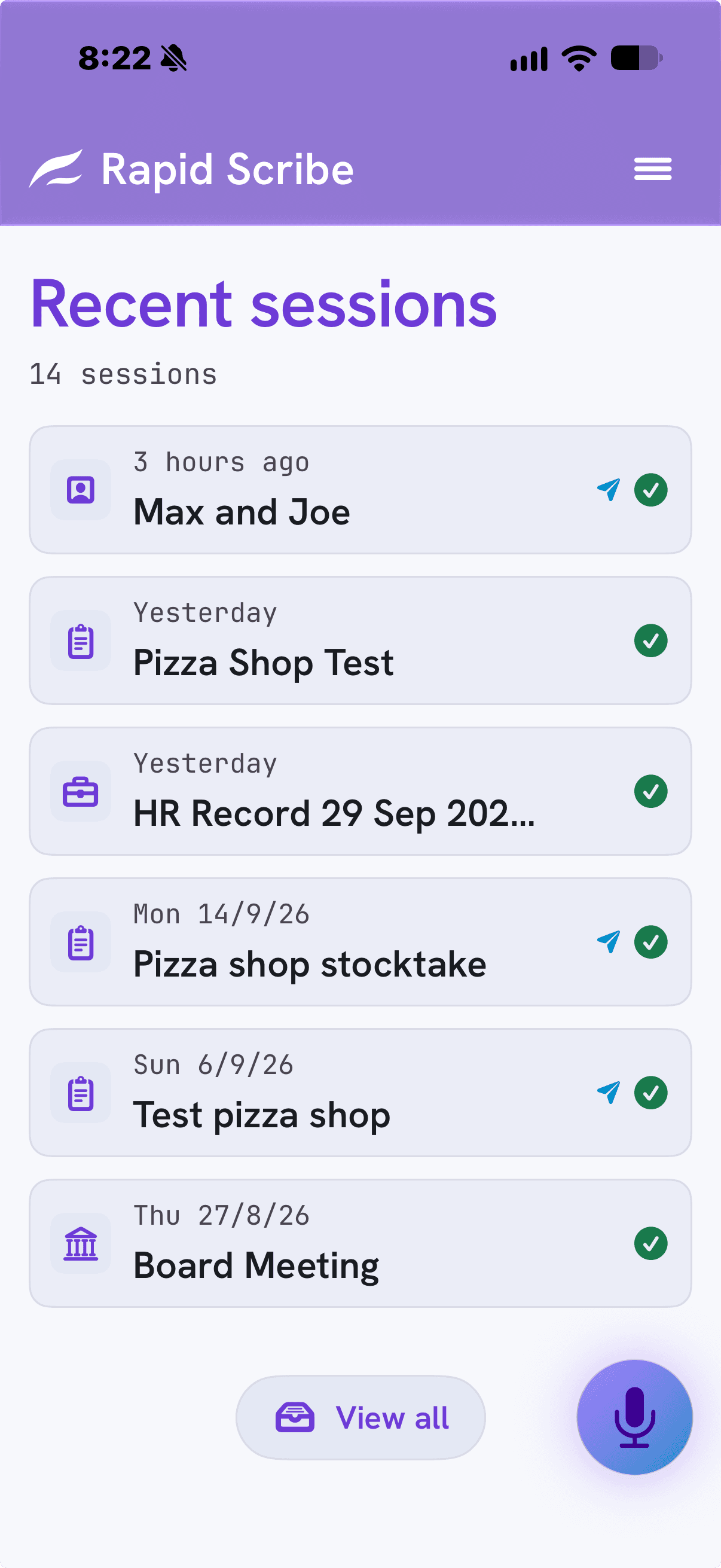
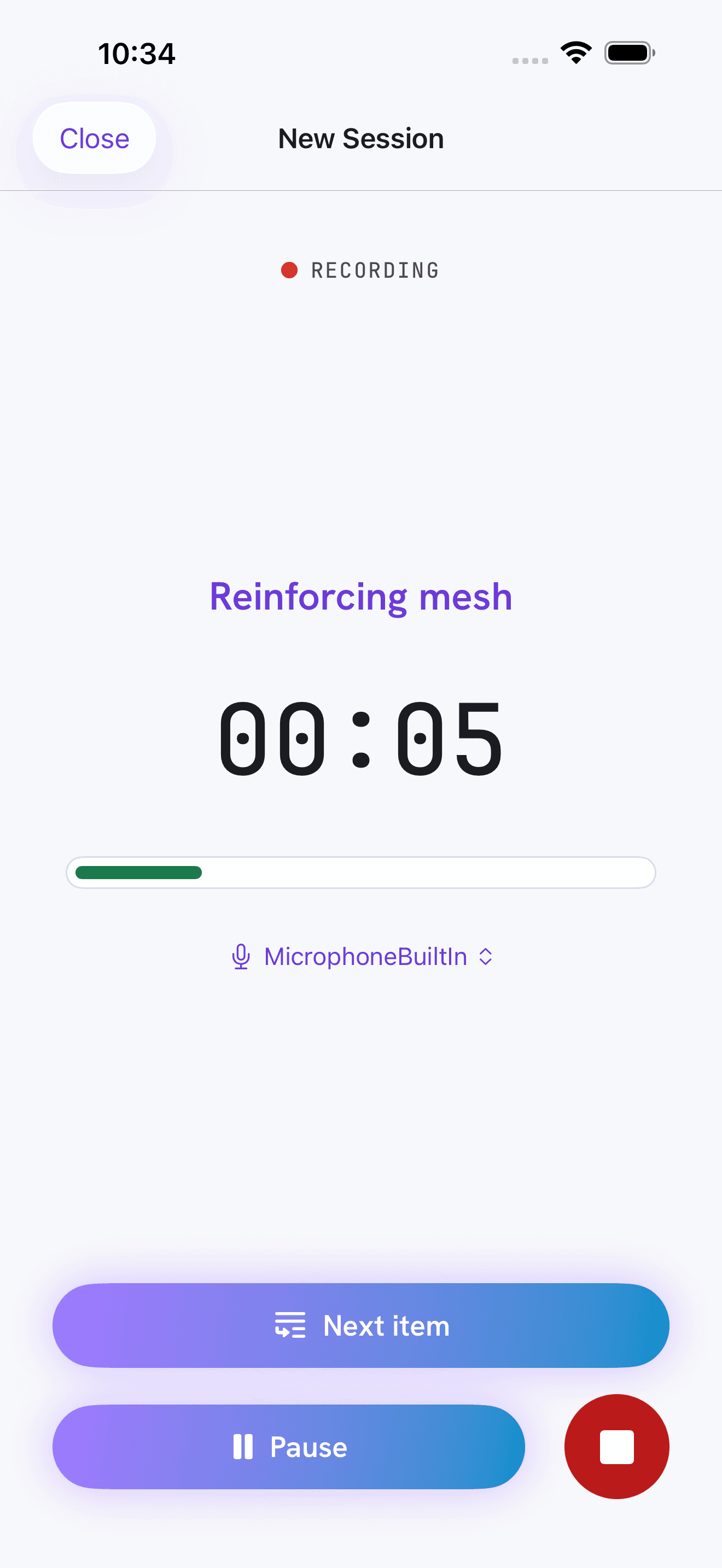
Straight through, or item by item.
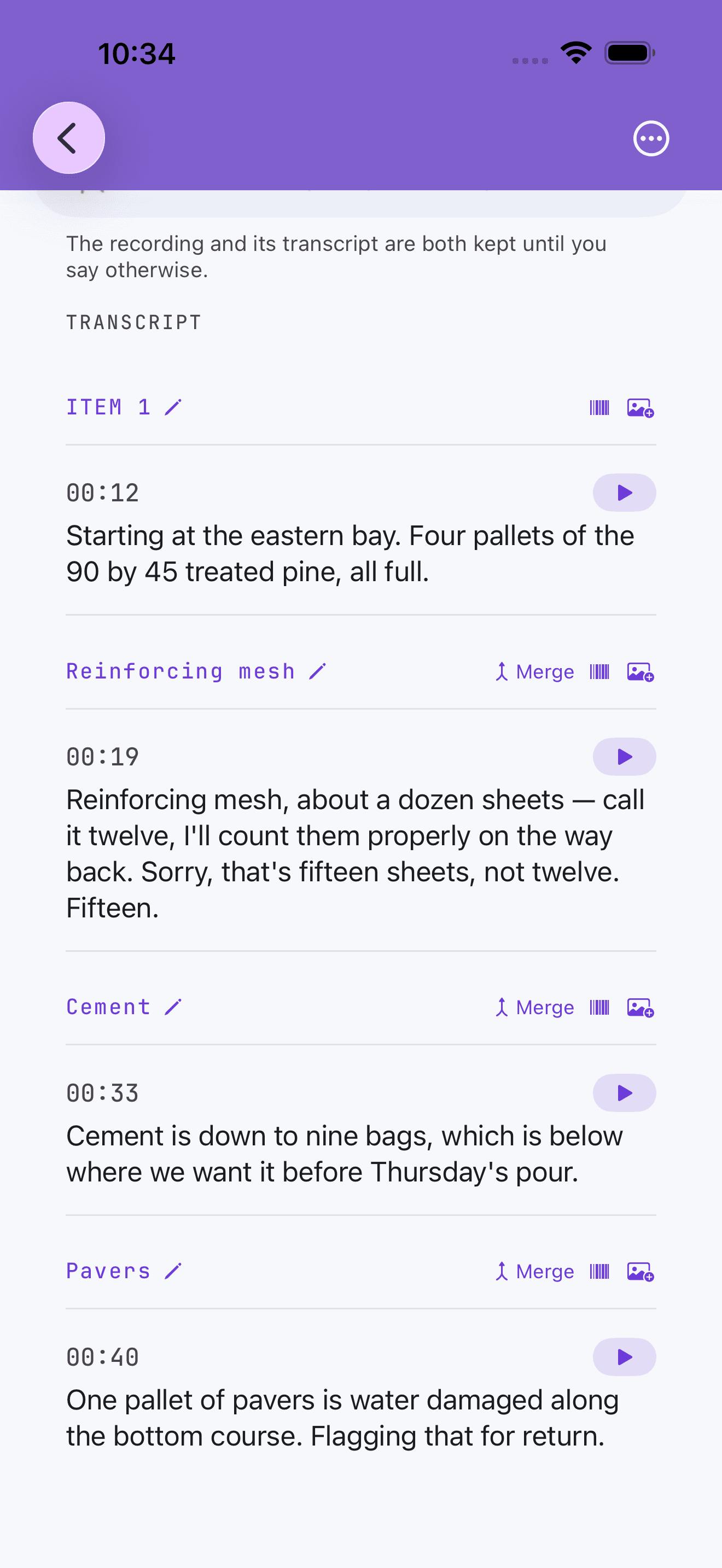
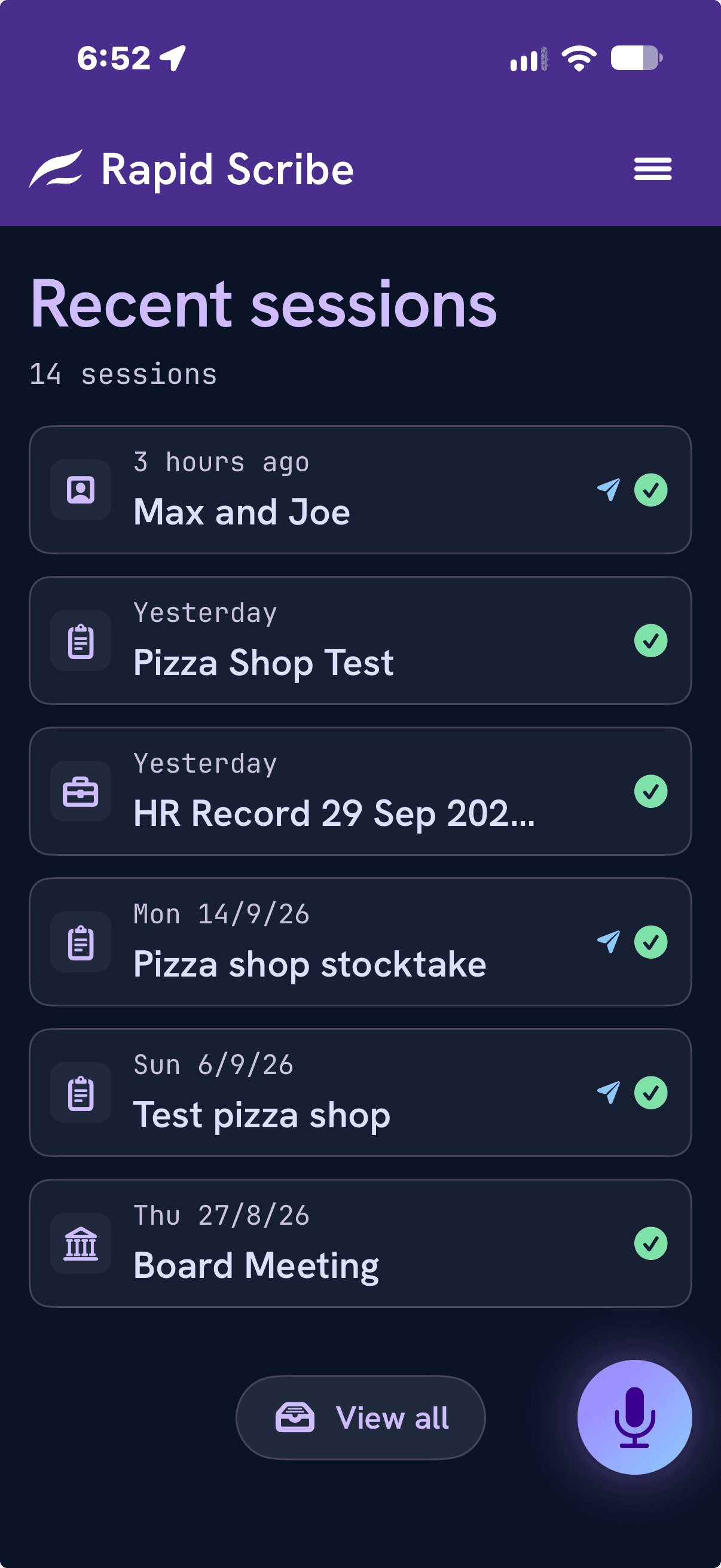
Let a meeting or an interview run from start to finish. Or press Next item as you move through a site, an inspection or a stocktake, and each item becomes its own headed section.
Know who said what.
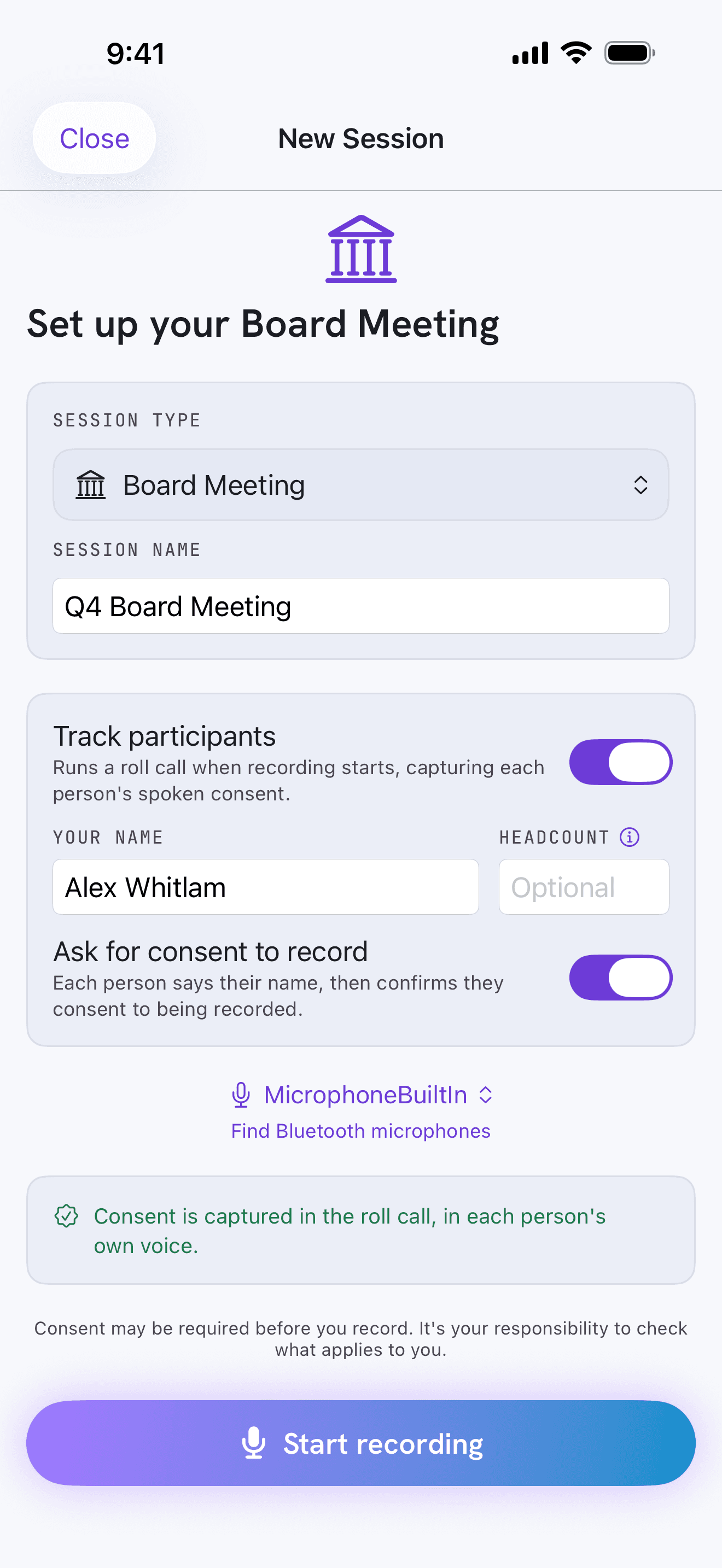
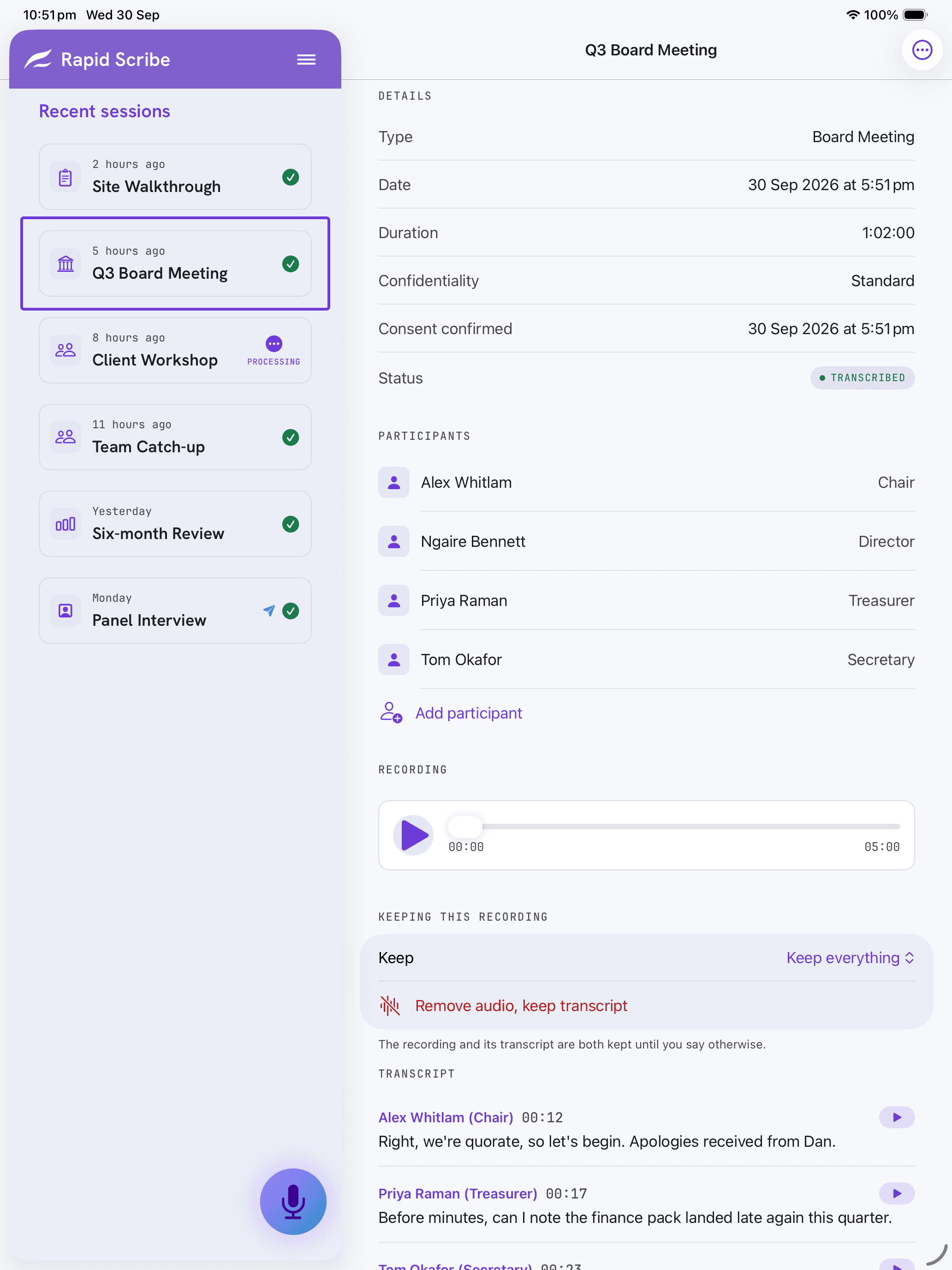
Run a roll call before you start and each person says their name, so the transcript names real people instead of “Speaker 1”. Anyone can say aloud that they consent to being recorded, and that goes into the record too.
Transcribed on your iPhone.
Transcription runs on the device, using Apple’s on-device speech recognition. Your audio isn’t uploaded — not to us, not to Apple, not to anyone.
Backed up where you choose.
Back up to your own iCloud Drive, to a cloud folder you pick, or keep everything on this device only. Export a session as Markdown or plain text and send it wherever you need.
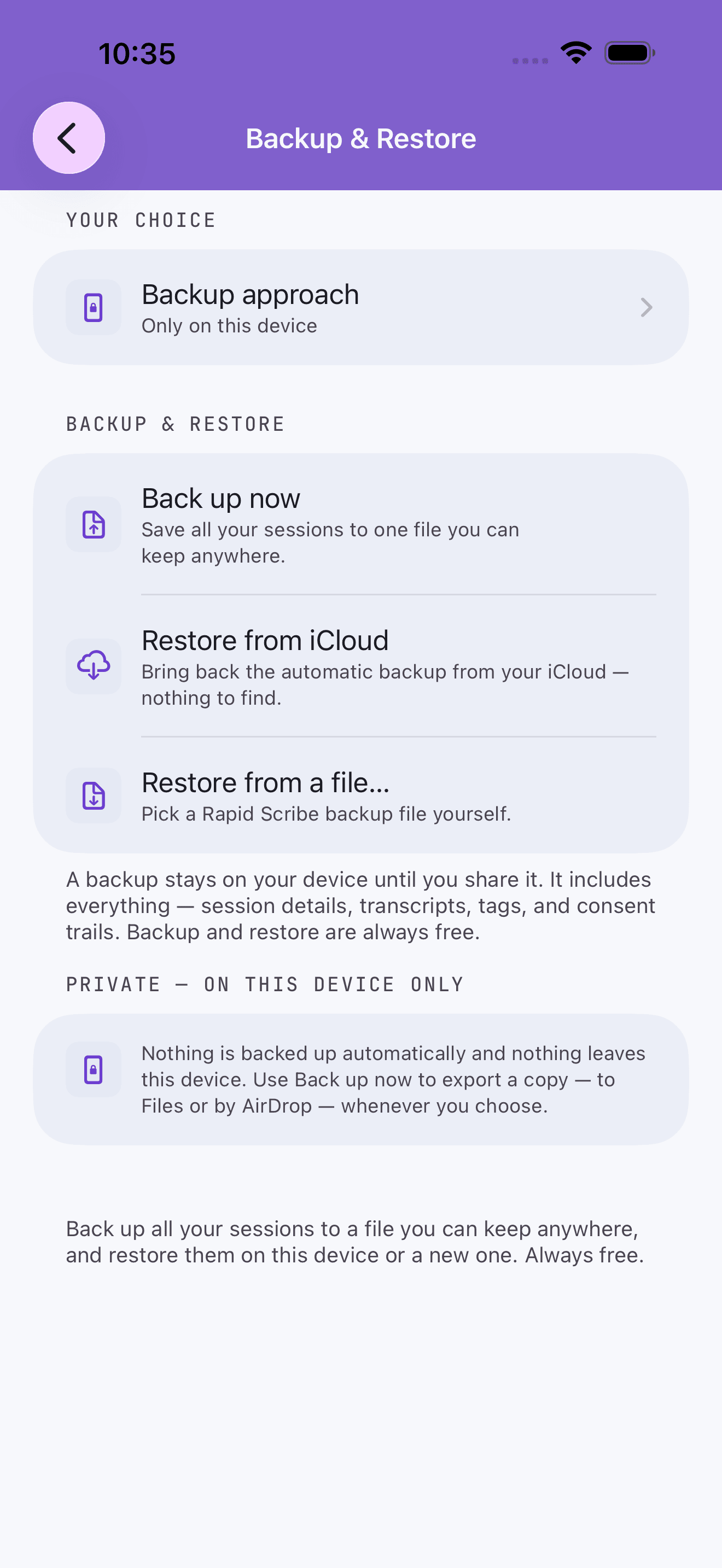
Your recordings stay on your iPhone.
Recording, transcribing and storing all happen on the device, and nothing is sent anywhere to be transcribed. We run no servers, and the app collects nothing about you.
Light or dark, however your iPhone is set.

Coming soon
More from Rapid

Rapid List
Remember what needs doing — lists you share.

Rapid Thread
Keep related thoughts together over time, and shape what comes next.

Rapid Plan
Steps, dates and milestones — a plan for one person, or one that syncs automatically with your team.