 Available
Rapid List
Remember what needs doing — lists you share.

iPhone and iPad iOS 17 or later · Free
Version 0.2 · 3.6 MB
macOS 15 or later · Apple silicon

What it does
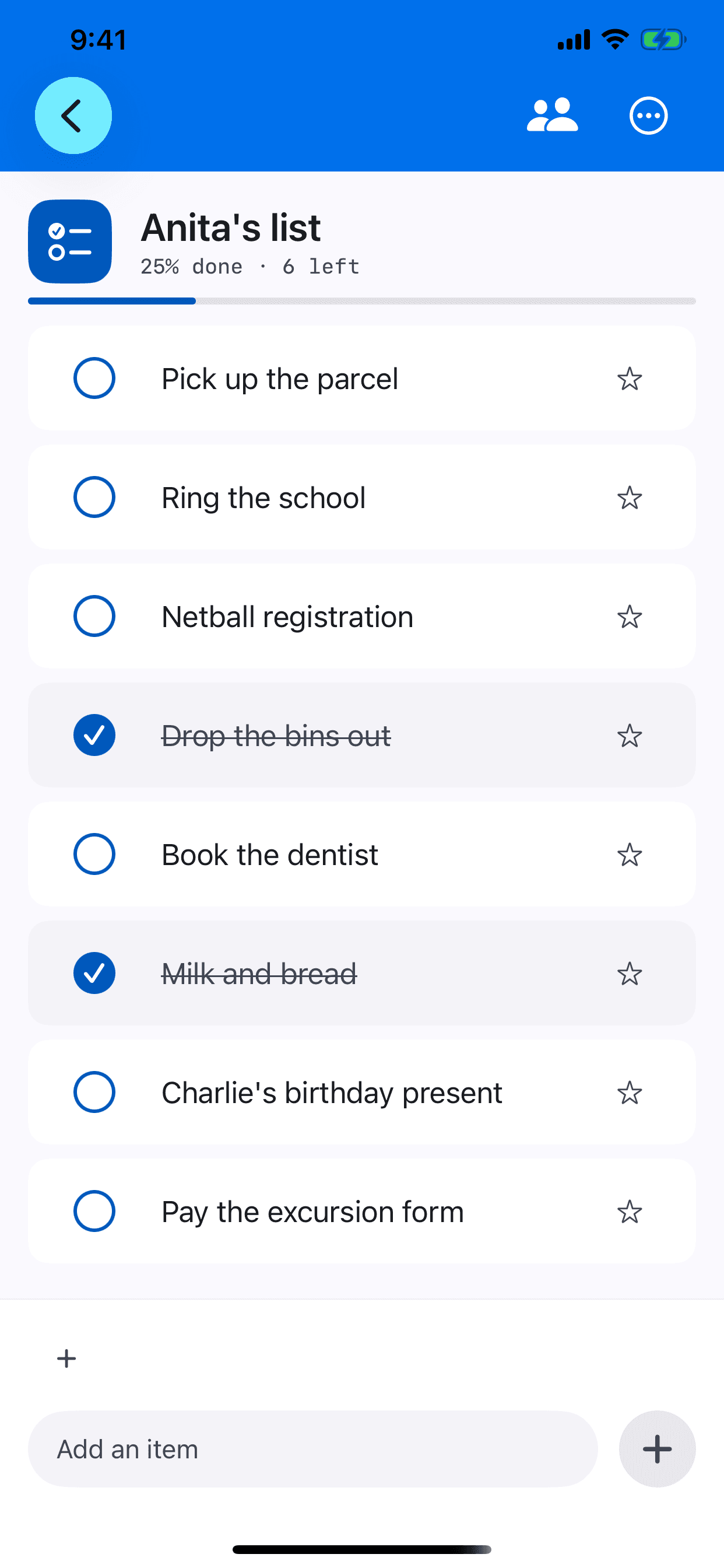
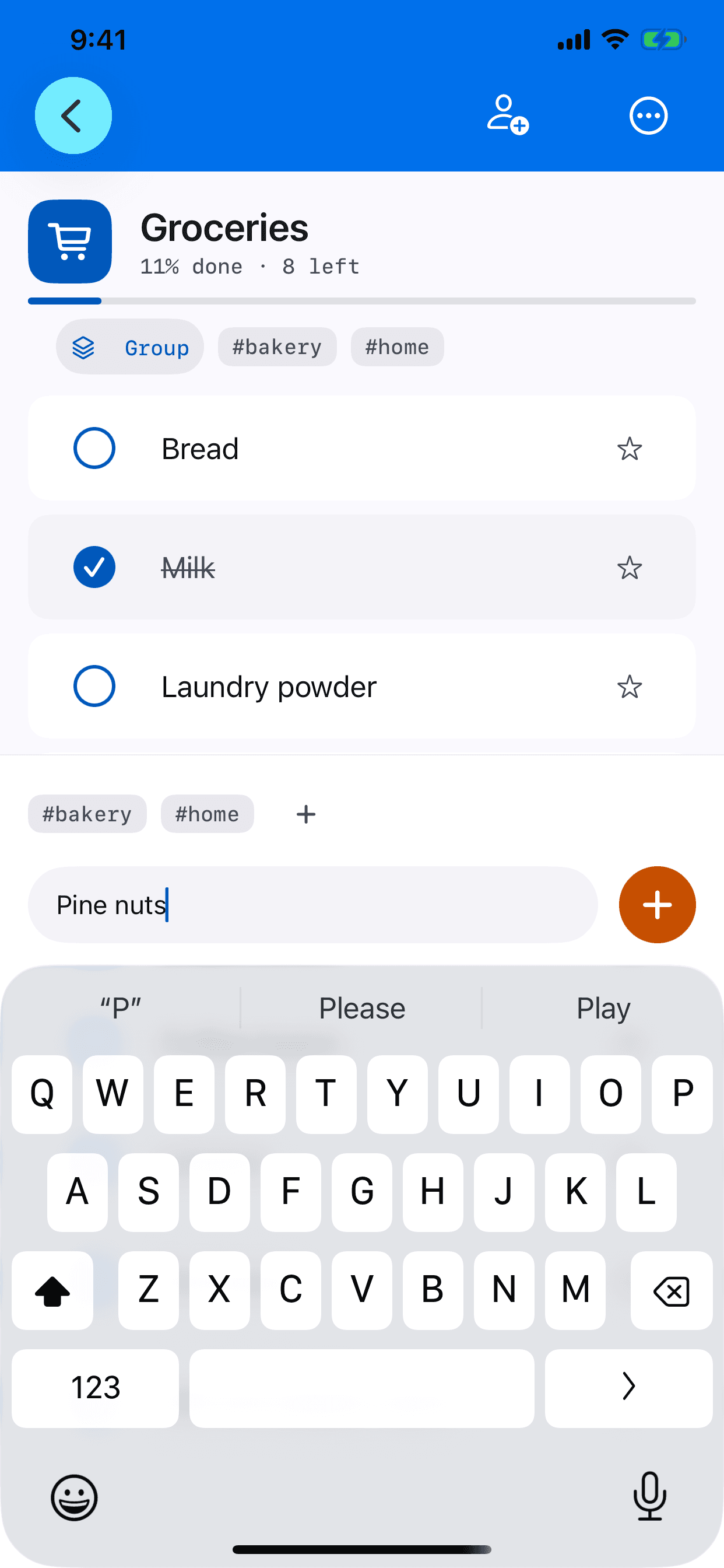
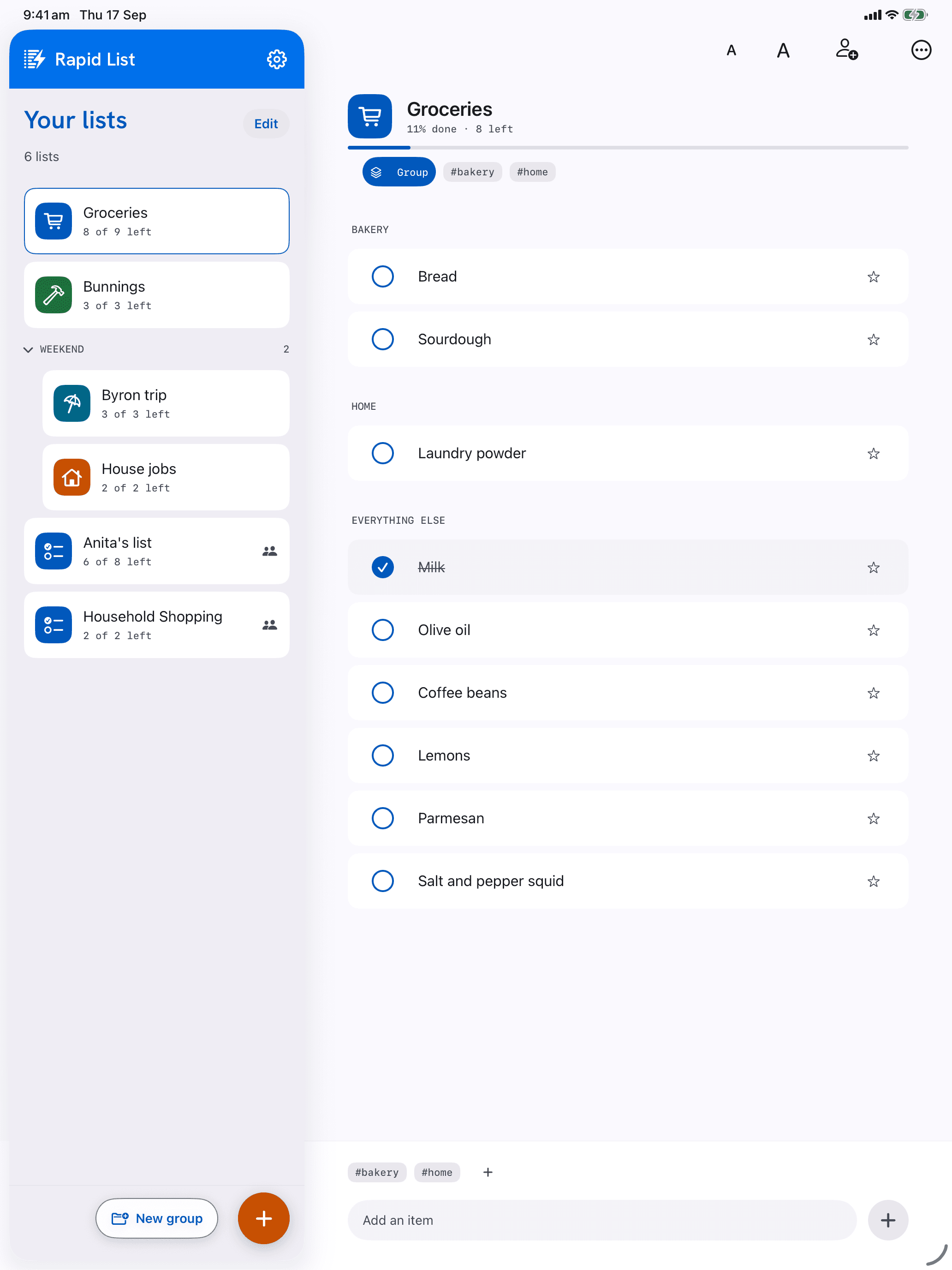
Type, press return, type the next thing.
Adding something takes one tap and no thought. The keyboard stays put, so a list you think of in one go goes in in one go.
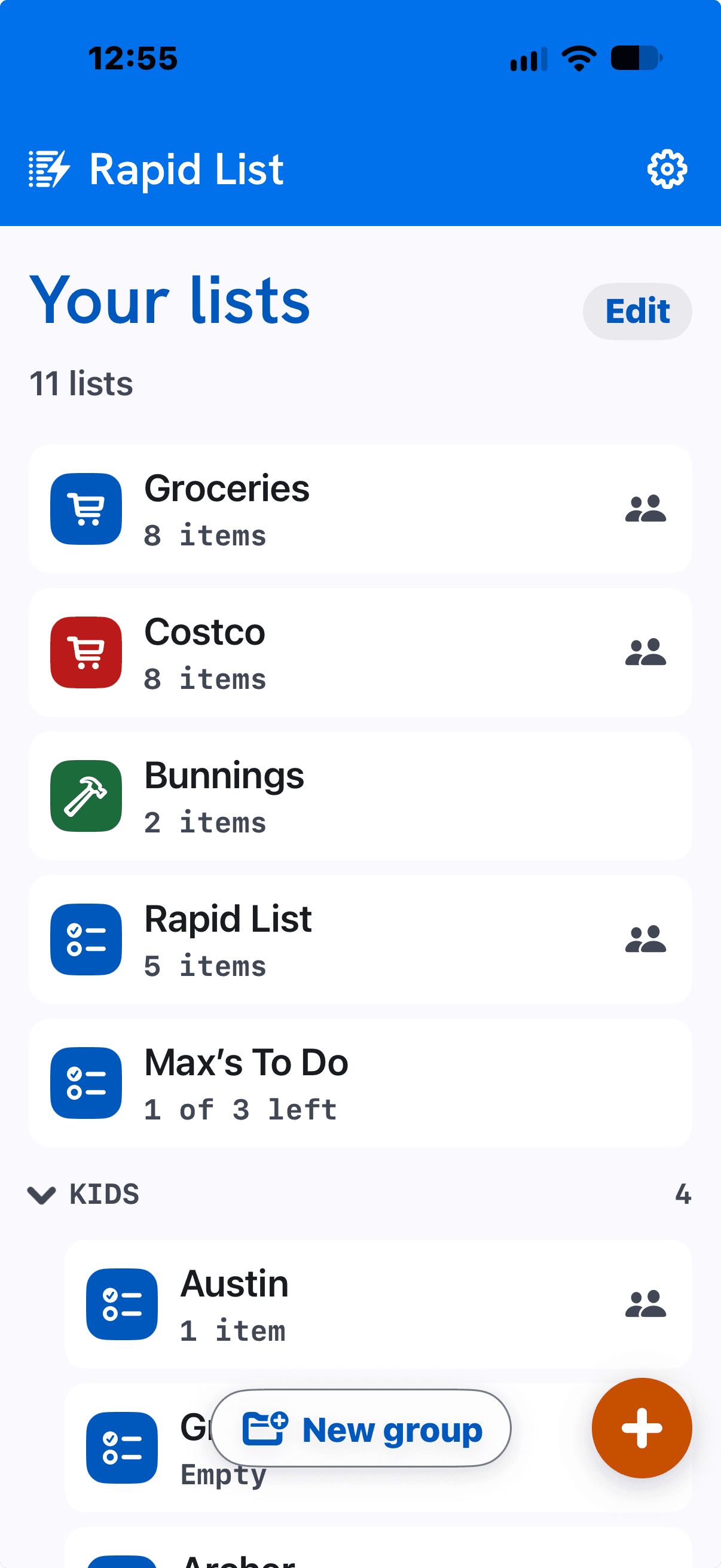
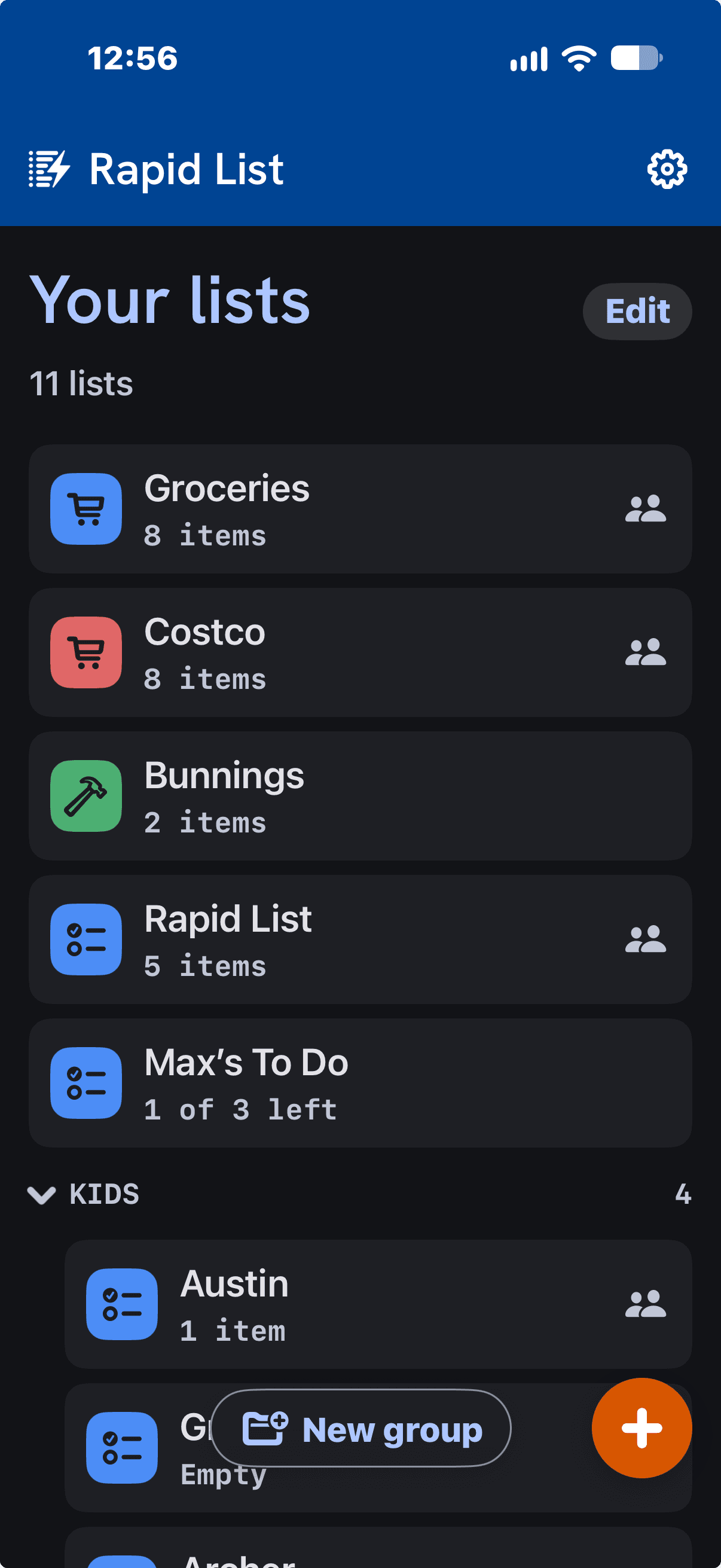
Groups keep related lists together.
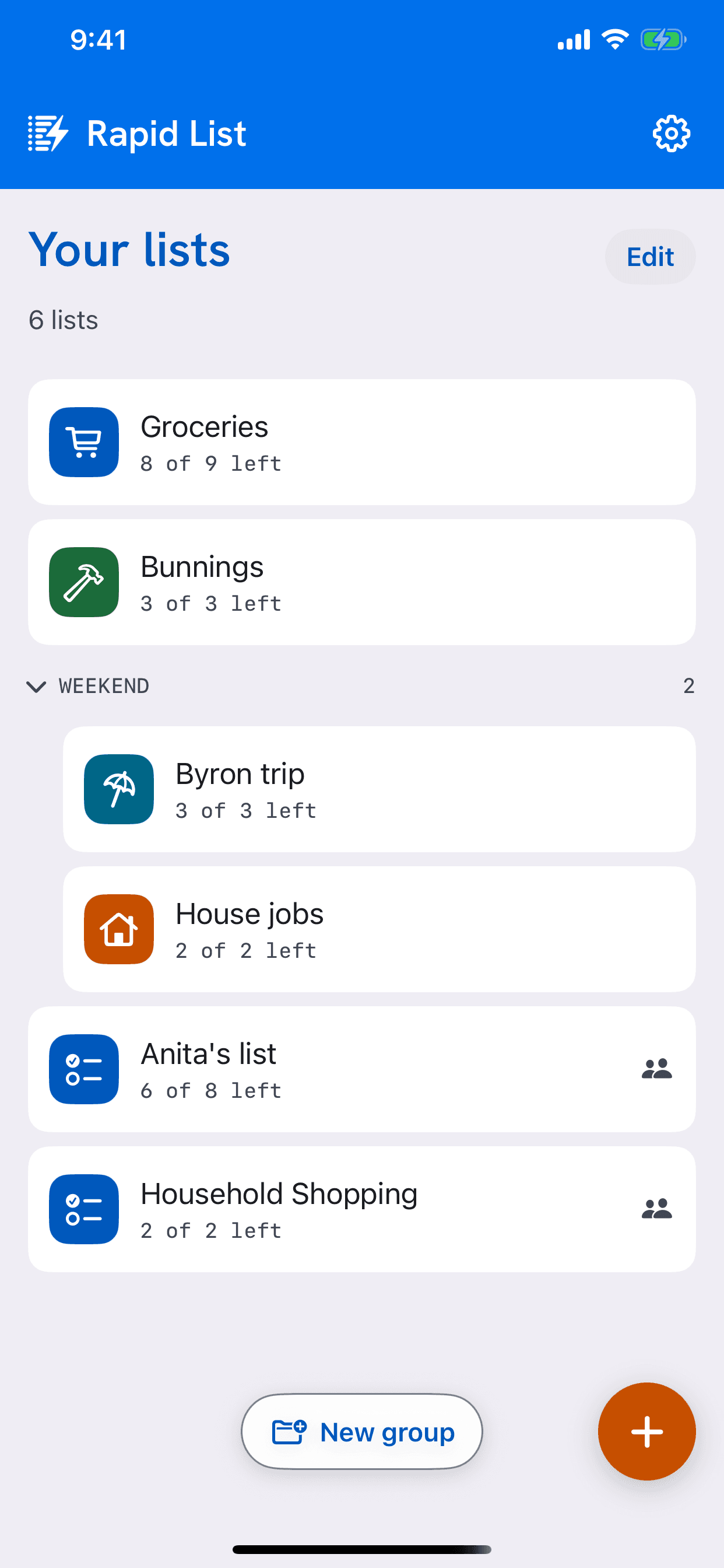
Gather lists into a group — Kids, House, Work — and fold it away when you don’t need it. Pin what matters to the top, and drag anything into place.
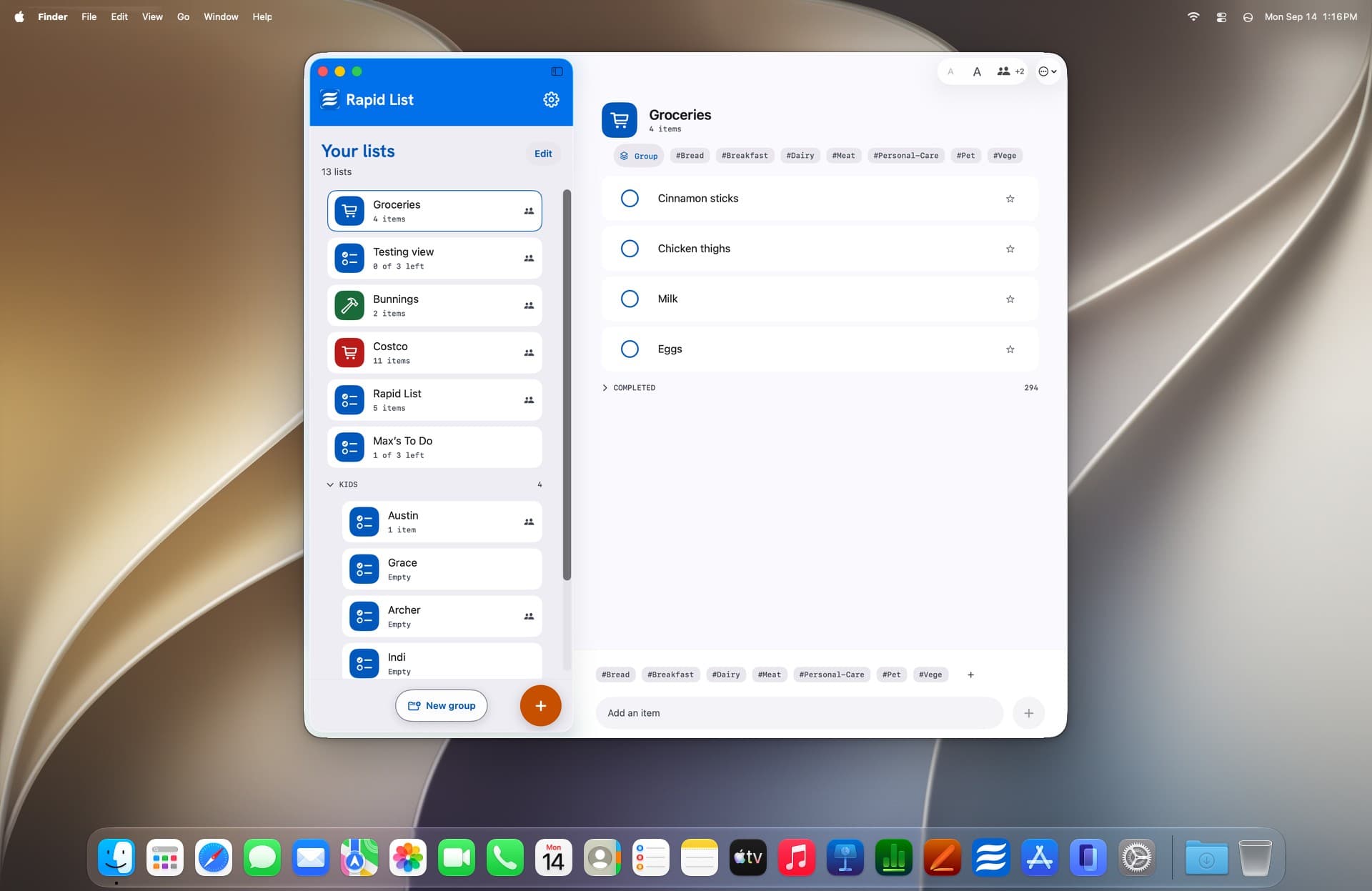
Share a list. Decide what each person can do.
Invite people by email address or mobile number, through iCloud. Each person can view, or add and tick things off — and you can change that, or remove them, at any time.
On iPhone, iPad and Mac.


Your lists stay yours.
Your lists live on your devices and in your own iCloud. There is no account, no server of ours in between, and the app collects nothing about you.
Requirements
| Platform | Requires | Price |
|---|---|---|
| iPhone and iPad | iOS 17 or later | Free |
| Mac (beta) | macOS 15 or later · Apple silicon | Free |
More from Rapid

Rapid Scribe
Turn a spoken session — a meeting, a walkthrough, a stocktake — into organised notes.

Rapid Thread
Keep related thoughts together over time, and shape what comes next.

Rapid Plan
Steps, dates and milestones — a plan for one person, or one that syncs automatically with your team.